
Shortlist or Shadow Team
- Open Lists in the sidebar.
- Tap to open the New List modal.
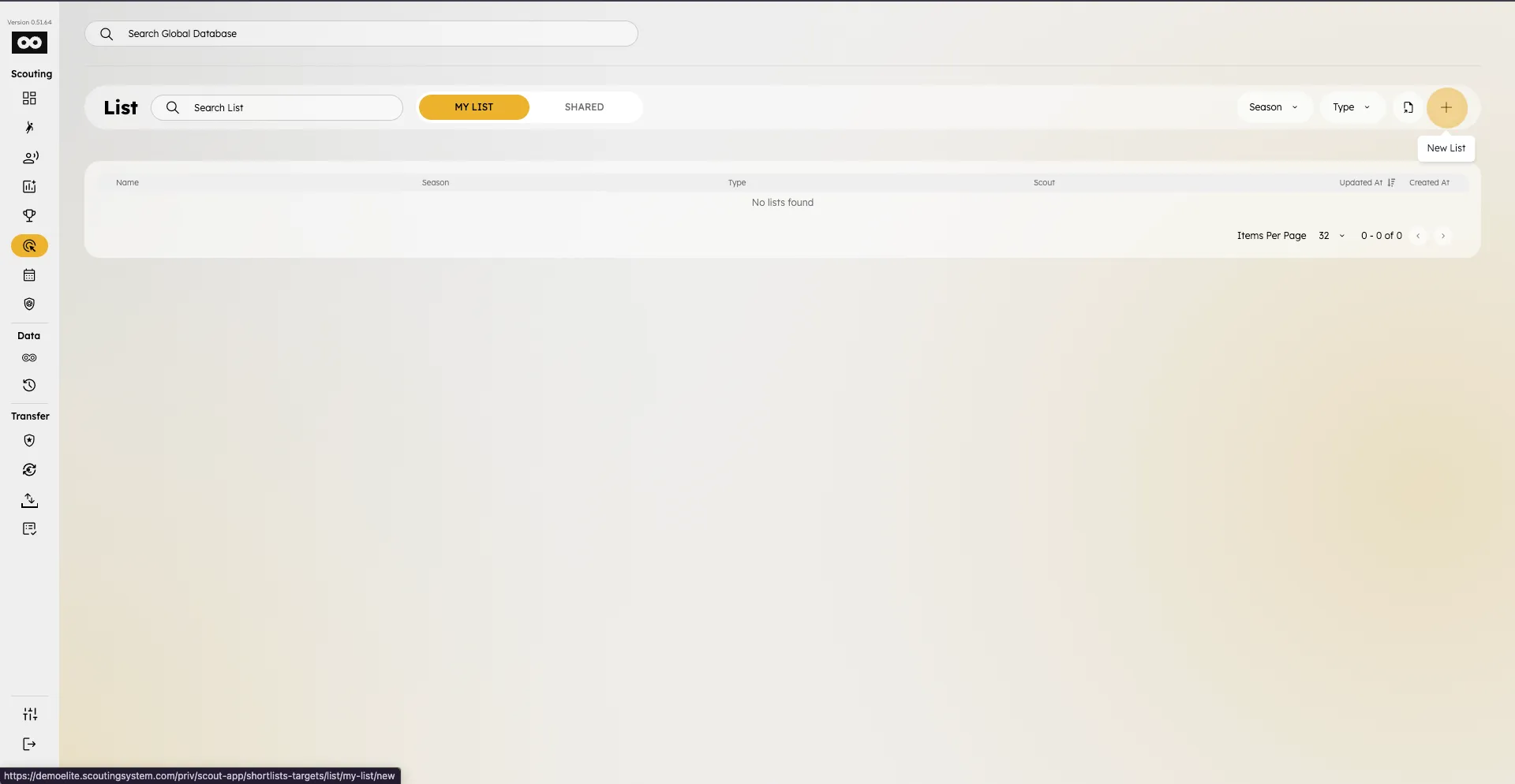
- Fill in Name and choose Type: Shortlist or Shadow Team (same UI — pick the type that matches your objective).
- Choose Formation and review the pitch preview.
- Select Season and tap Next.
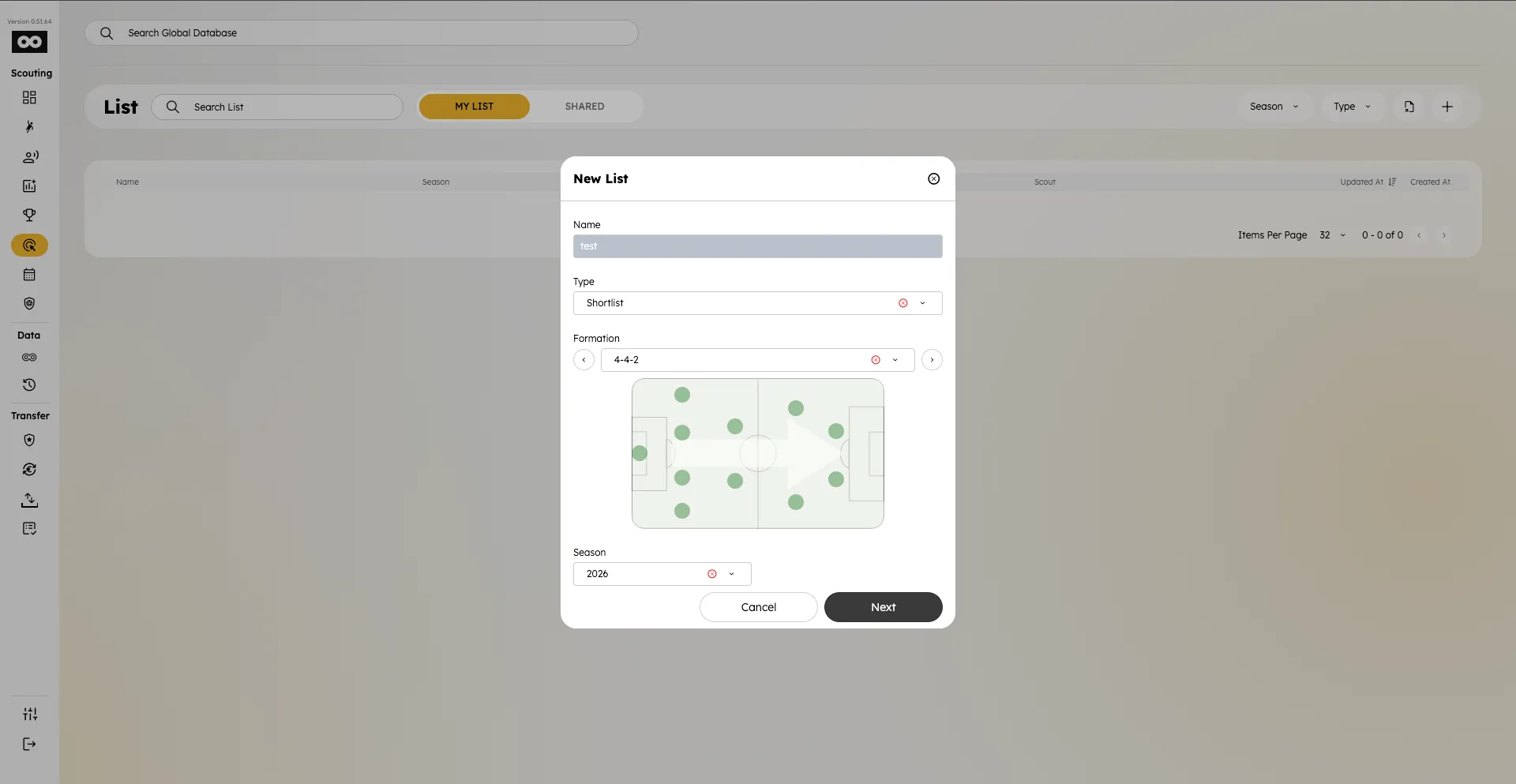
- The new list opens in Field View so you can fill positions.
List (no formation)
- In the New List modal, choose type List.
- Formation is not required — the app shows a note that no formation is needed.
- Select Season and tap Next.
- Players are managed in a flat table (no pitch slots).